This article shows how to register in a competition in the MiScore App
The MiScore App can accept competition registrations. Just like at kiosk screens, members register for the daily competition(s) with the MiScore app.
They need to:
- Be booked into the timesheet (no walk-in competitions)
- Not be already registered in the competition
- Be a member as Visitors cannot register with the MiScore App, visitors register at kiosk or with club staff
- No fee is payable or charged at time of registration through the MiScore App
- For cashless payment on account - competition fee deducted from member wallet when competition CLOSED
- For pay on arrival the competition fee is collected on attendance at golf shop with players named checked on timesheet on monitor or printed timesheet
Please call the MiClub Help team for instruction to activate and discuss change management processes to best suit implementation at the club.
Visual Guide:
Open MiScore App
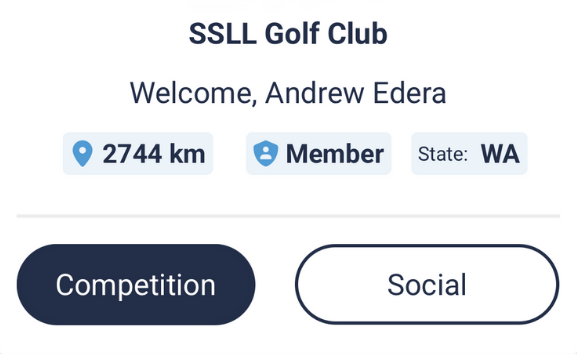
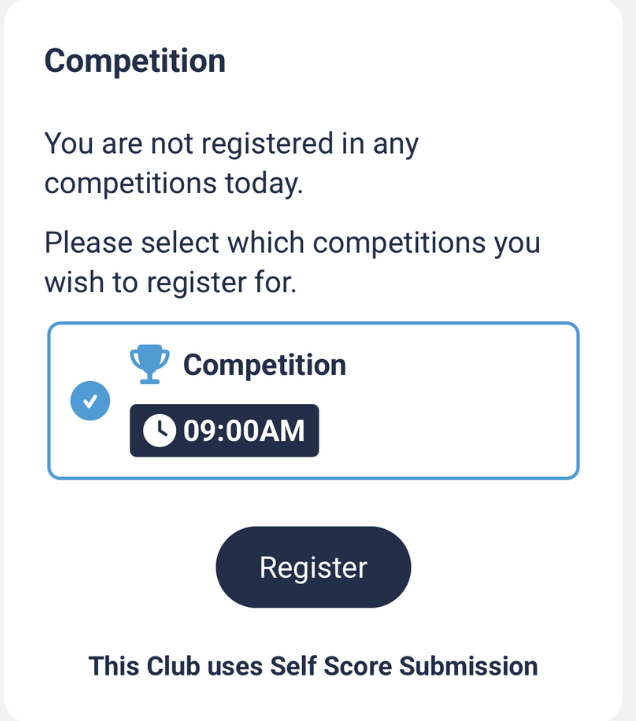
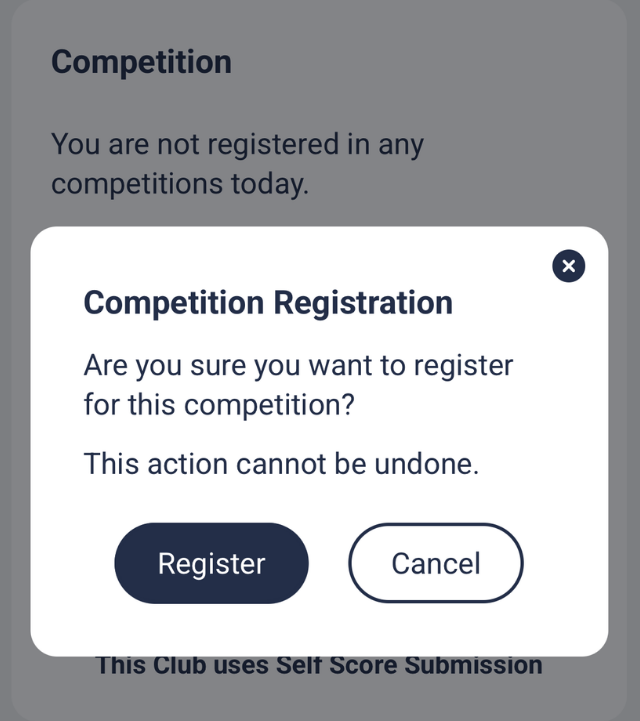
Select 'Competition' | Select 'Register' | Select Competition(s), then 'Register' again to confirm |
 |  |  |
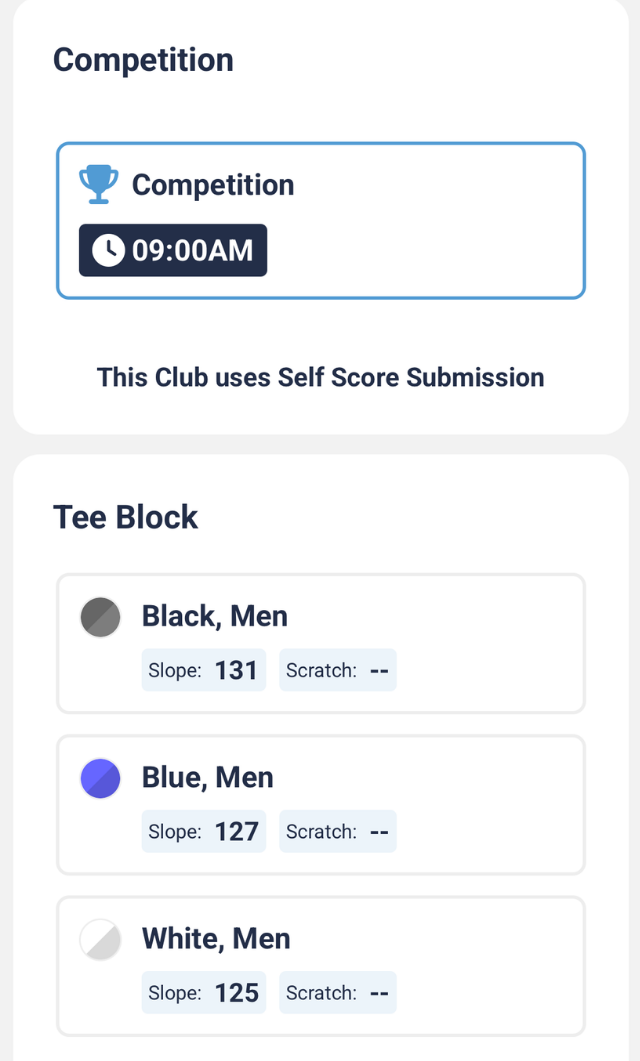
For Multi-Tee competition select Tee Block and 'Register' | Press 'Select' | Select a Playing Partner or wait until others are registered |
 | 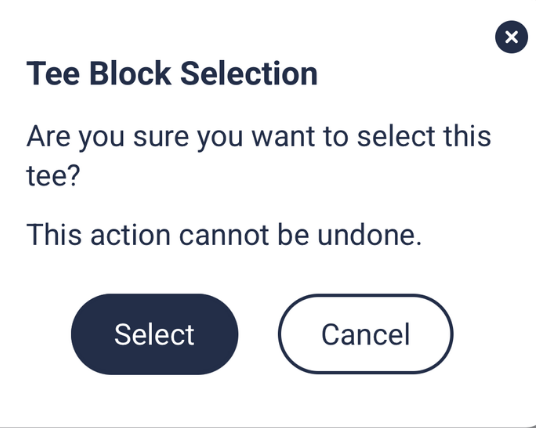 | 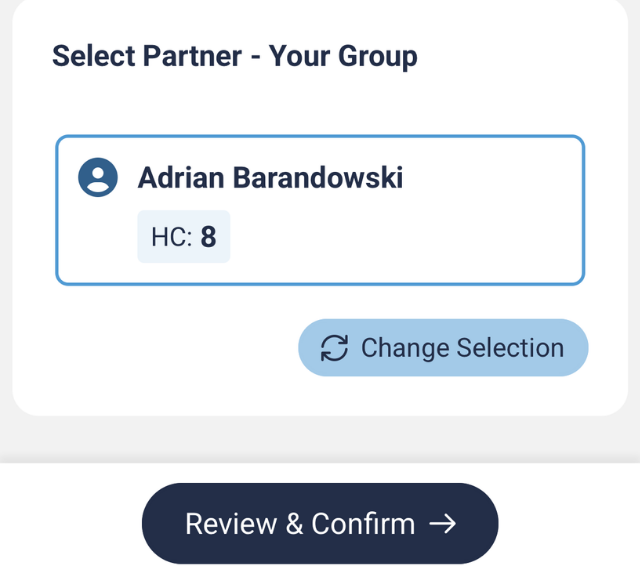 |
Note - When select confirm no changes can be made in MiScore App, any changes please use Kiosk or advise Golf Shop staff
Was this article helpful?
That’s Great!
Thank you for your feedback
Sorry! We couldn't be helpful
Thank you for your feedback
Feedback sent
We appreciate your effort and will try to fix the article