This article shows how to score in competitions as a guest/visitor
1. Press + Add Club and search / select the away course you are to play at
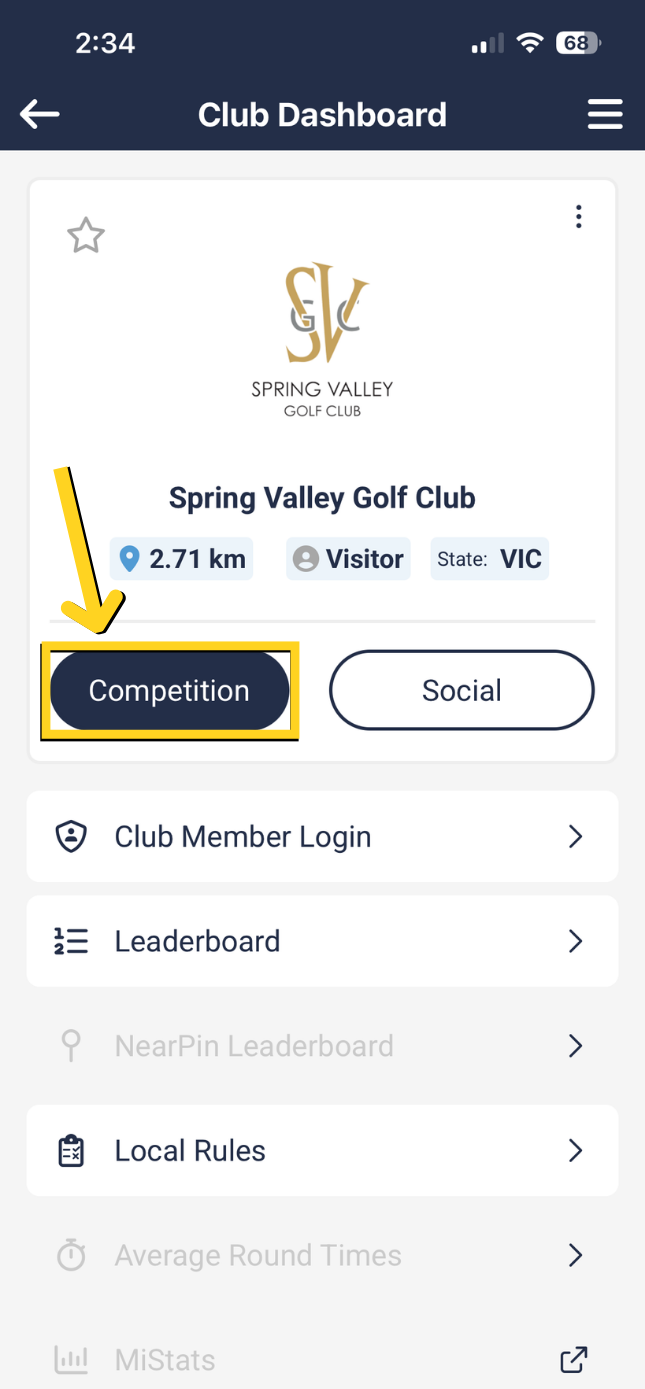
2. Now select the 'Competition' button, which will automatially make you a guest in the comp if you're not logged in.
3. As long as you are registered in a comp on the day, you should see your name appear along with the tee time and Golflink number.
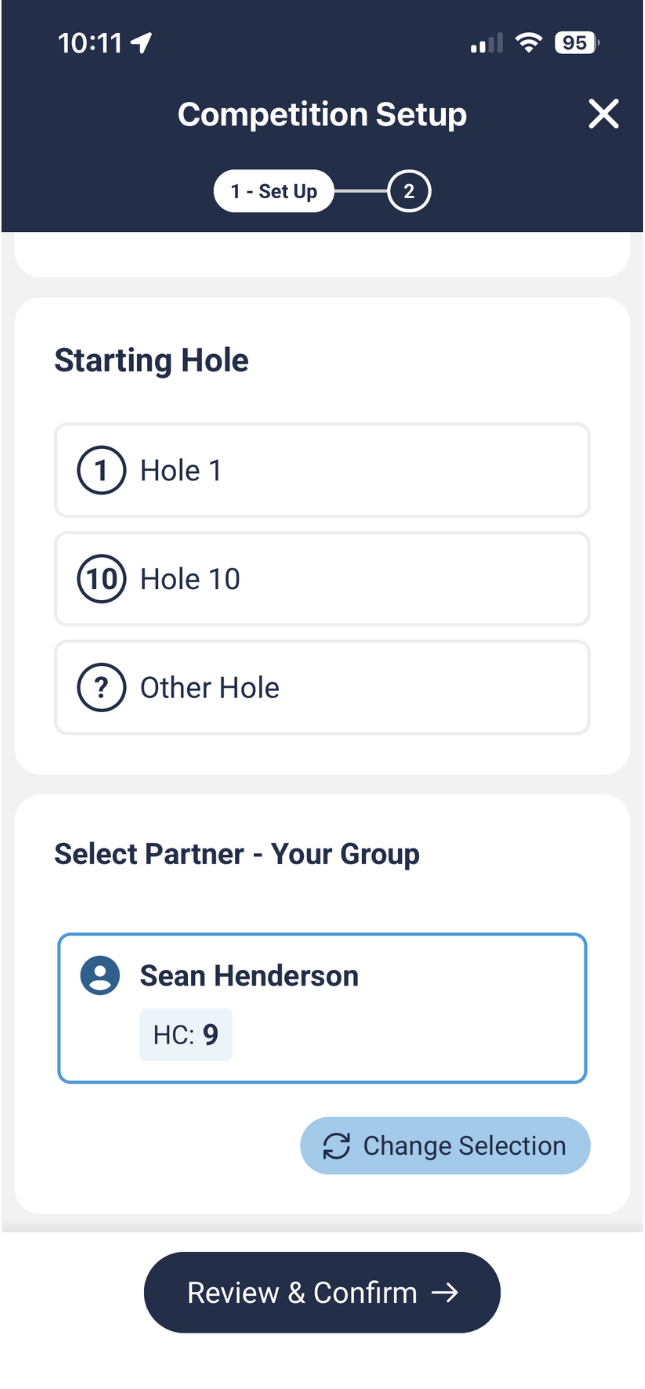
4. Select your registration match to continue to select your playing partner to begin scoring.
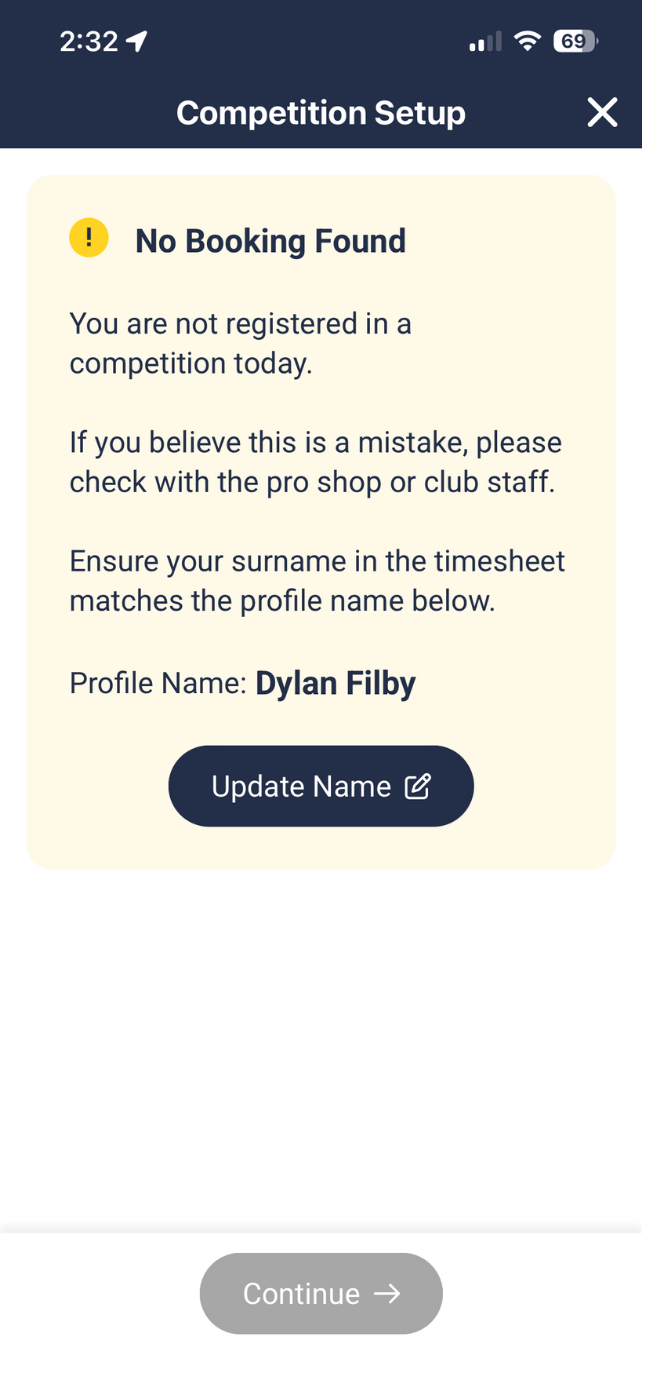
If there is no name/registration returned then please check to ensure your Surname is correct in the account profile found under the Menu bar of MiScore.
The surname is critical in matching the registration record at the club.
If the account profile surname is correct then please check with the club admin that your comp registration is verified on their back end system.
Visual Guide:
Was this article helpful?
That’s Great!
Thank you for your feedback
Sorry! We couldn't be helpful
Thank you for your feedback
Feedback sent
We appreciate your effort and will try to fix the article