Note: Screenshots are from a Samsung device using Android version 15 and One UI version 7
- Open up your mobile settings
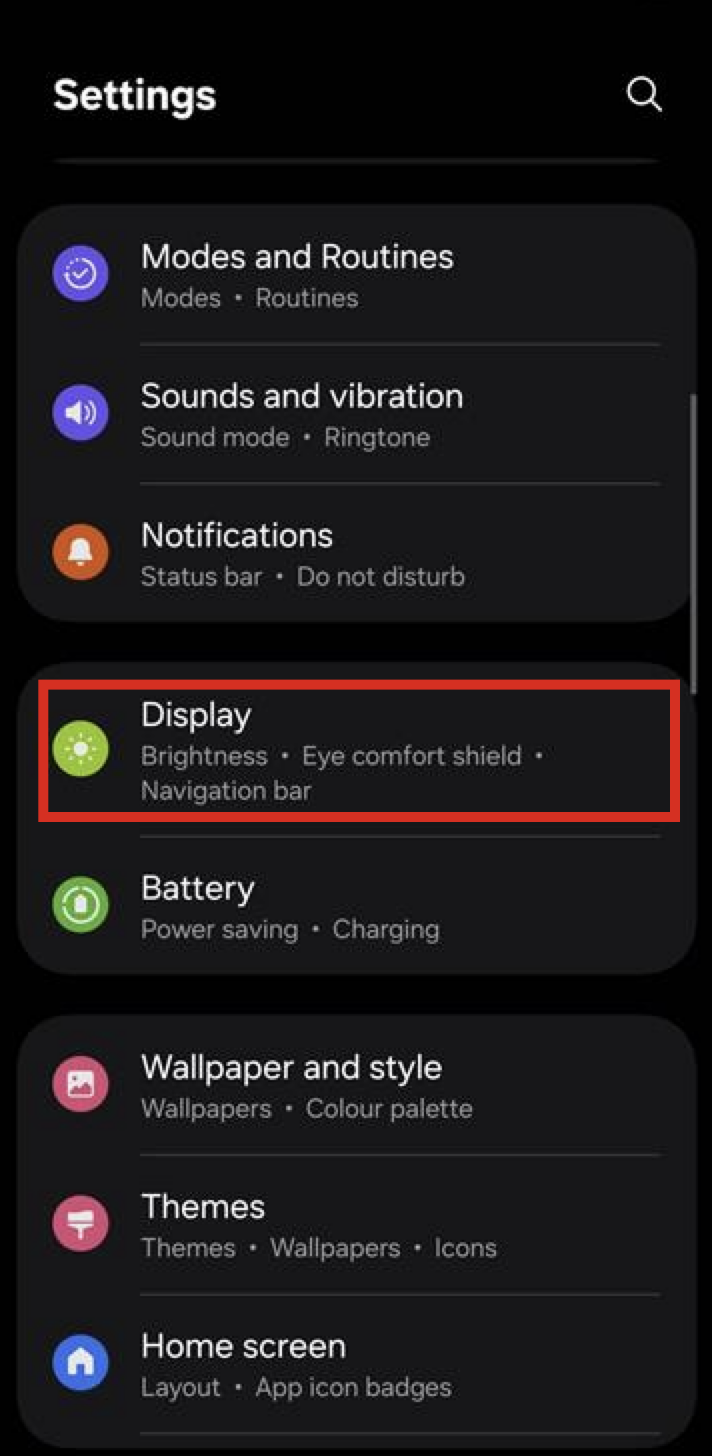
- Scroll down and select "Display"
and or
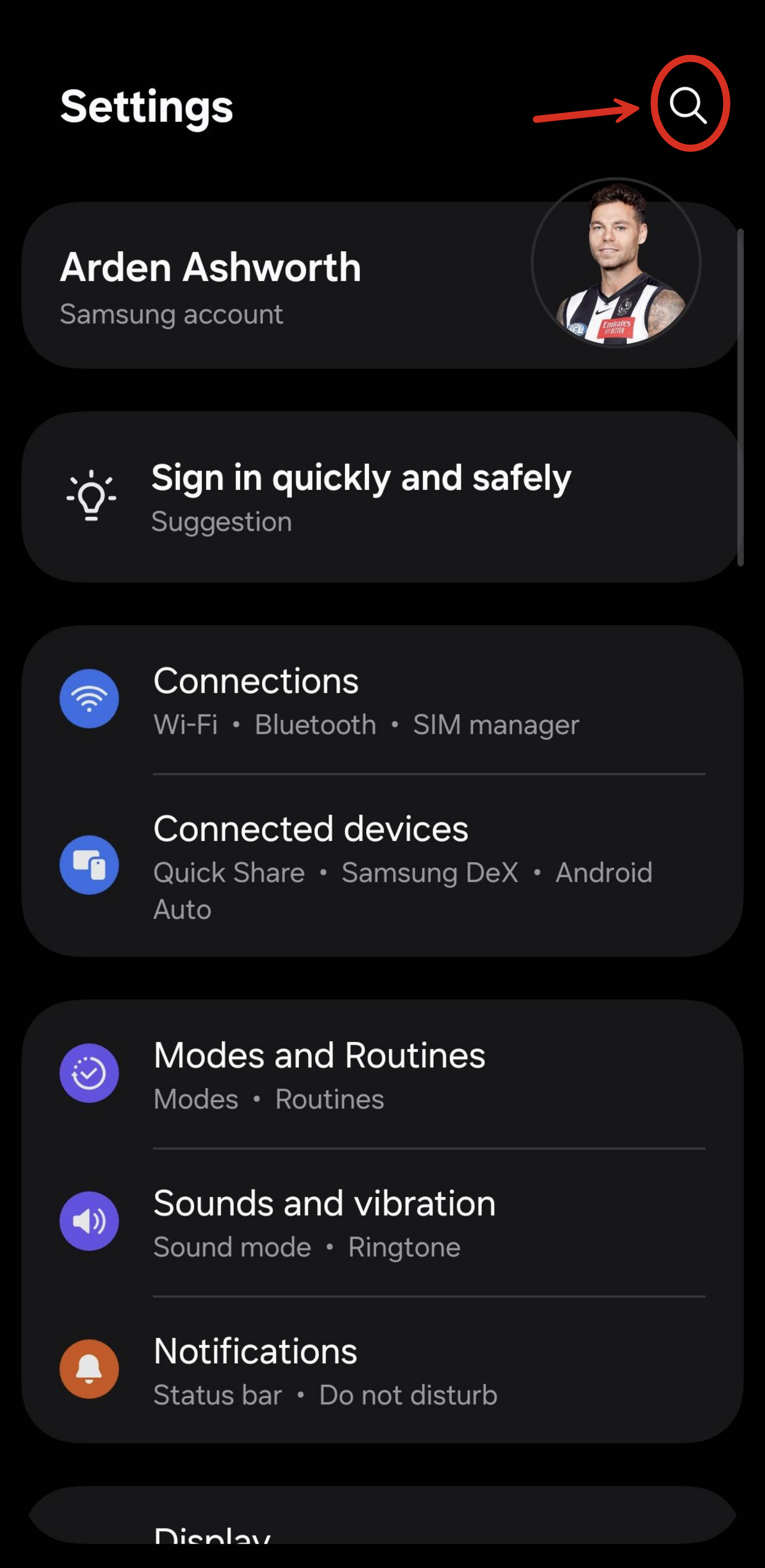
- Press the magnifying glass search icon
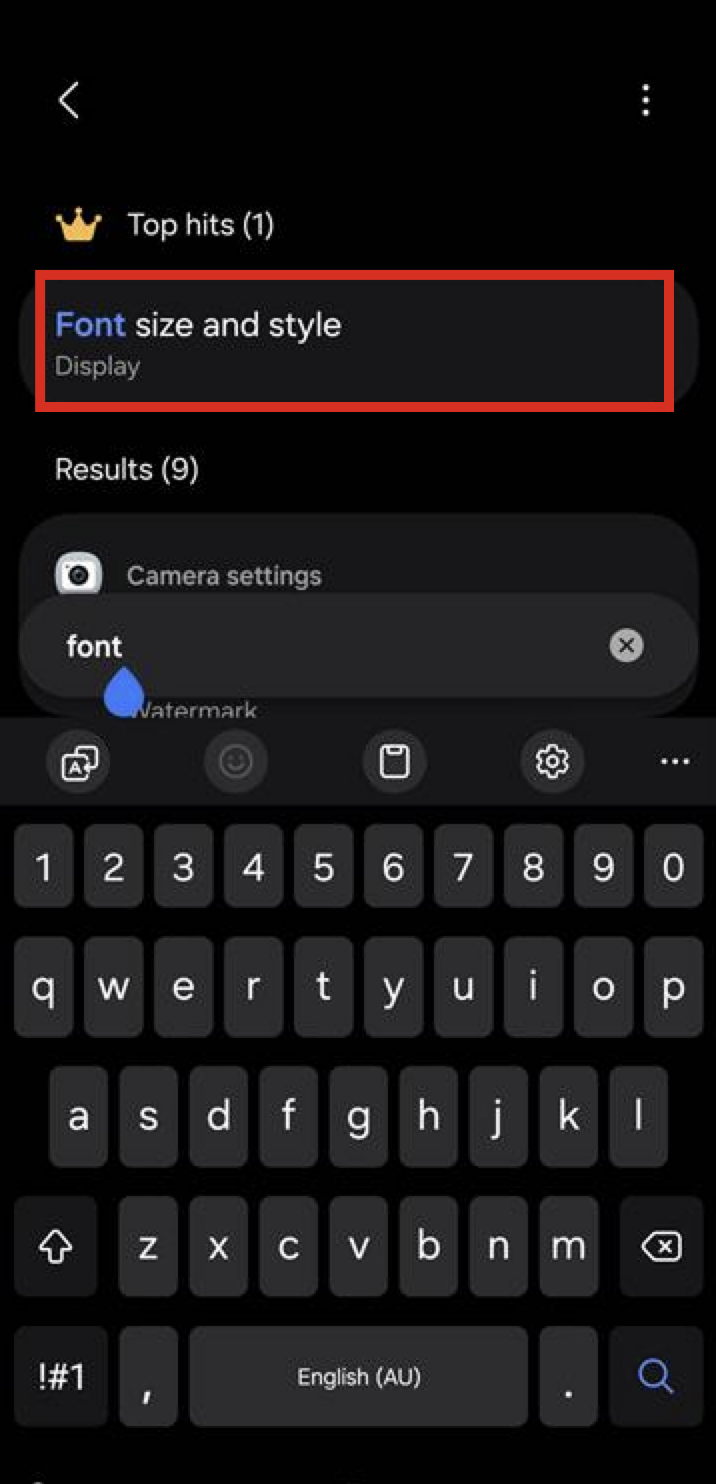
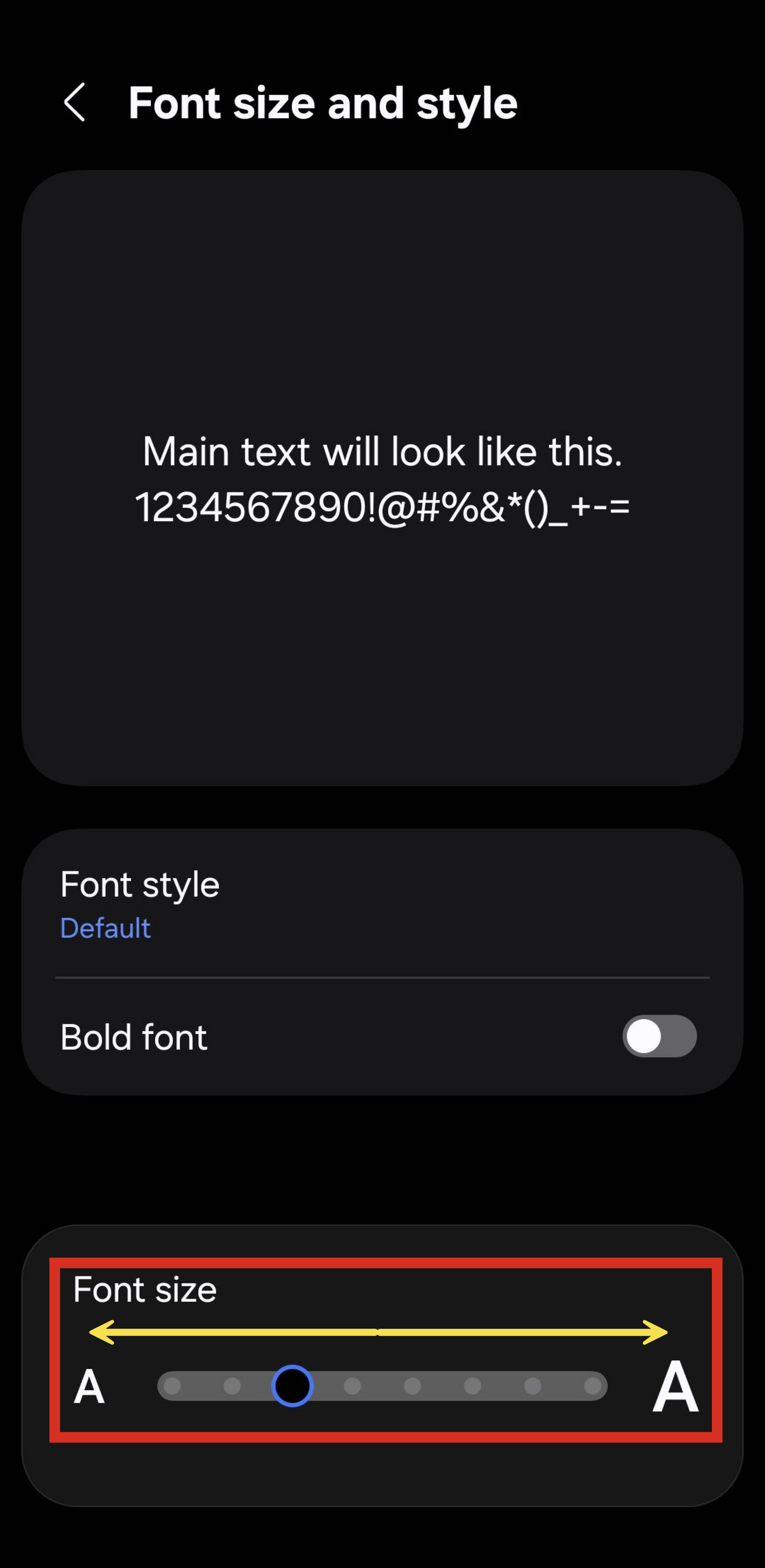
- Select "Font size and style"
- Use the toggle to change font size
- Swiping left will make font size smaller
- Swiping right will make the font size bigger
Was this article helpful?
That’s Great!
Thank you for your feedback
Sorry! We couldn't be helpful
Thank you for your feedback
Feedback sent
We appreciate your effort and will try to fix the article